Description
Build a Cold-Email Campaign Management Business
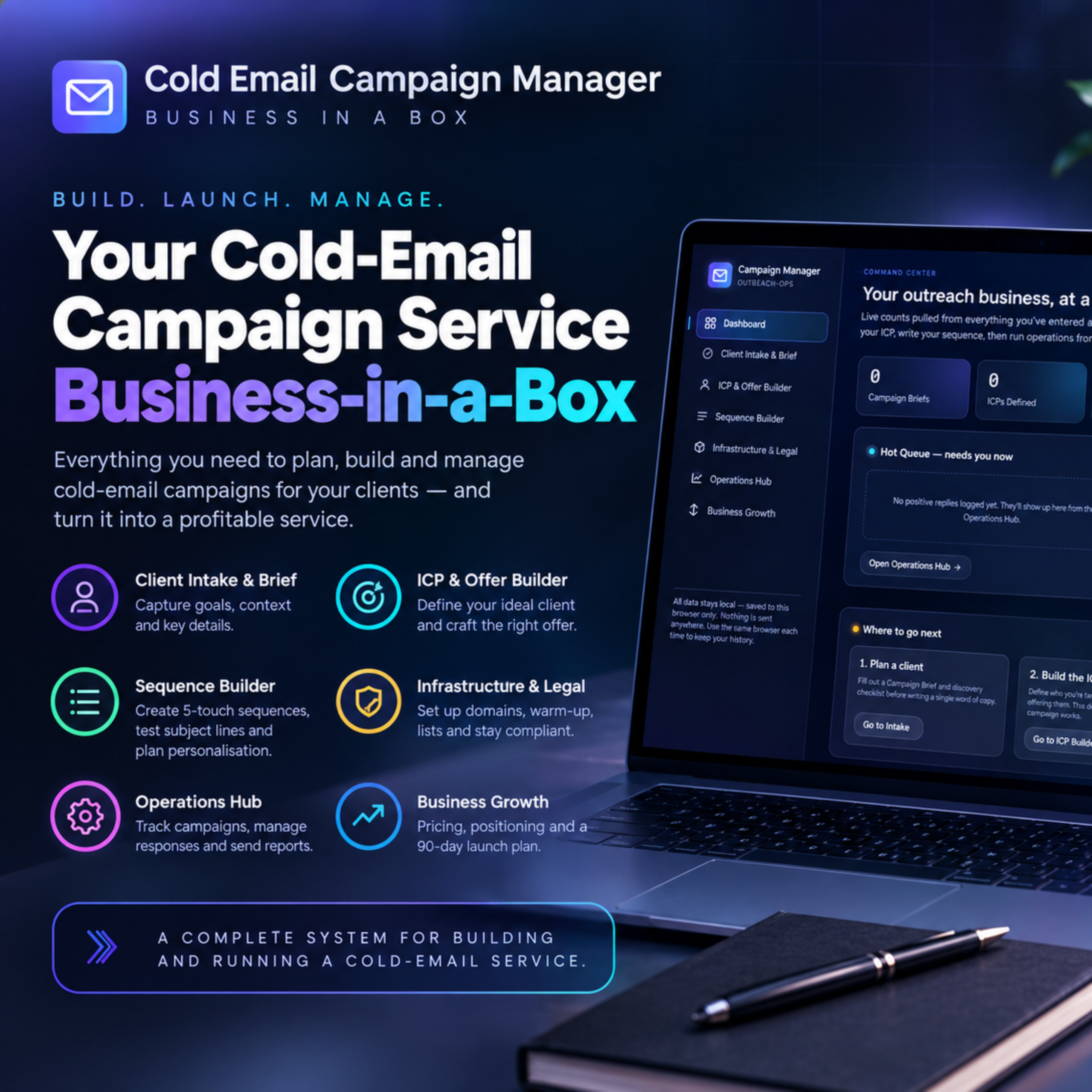
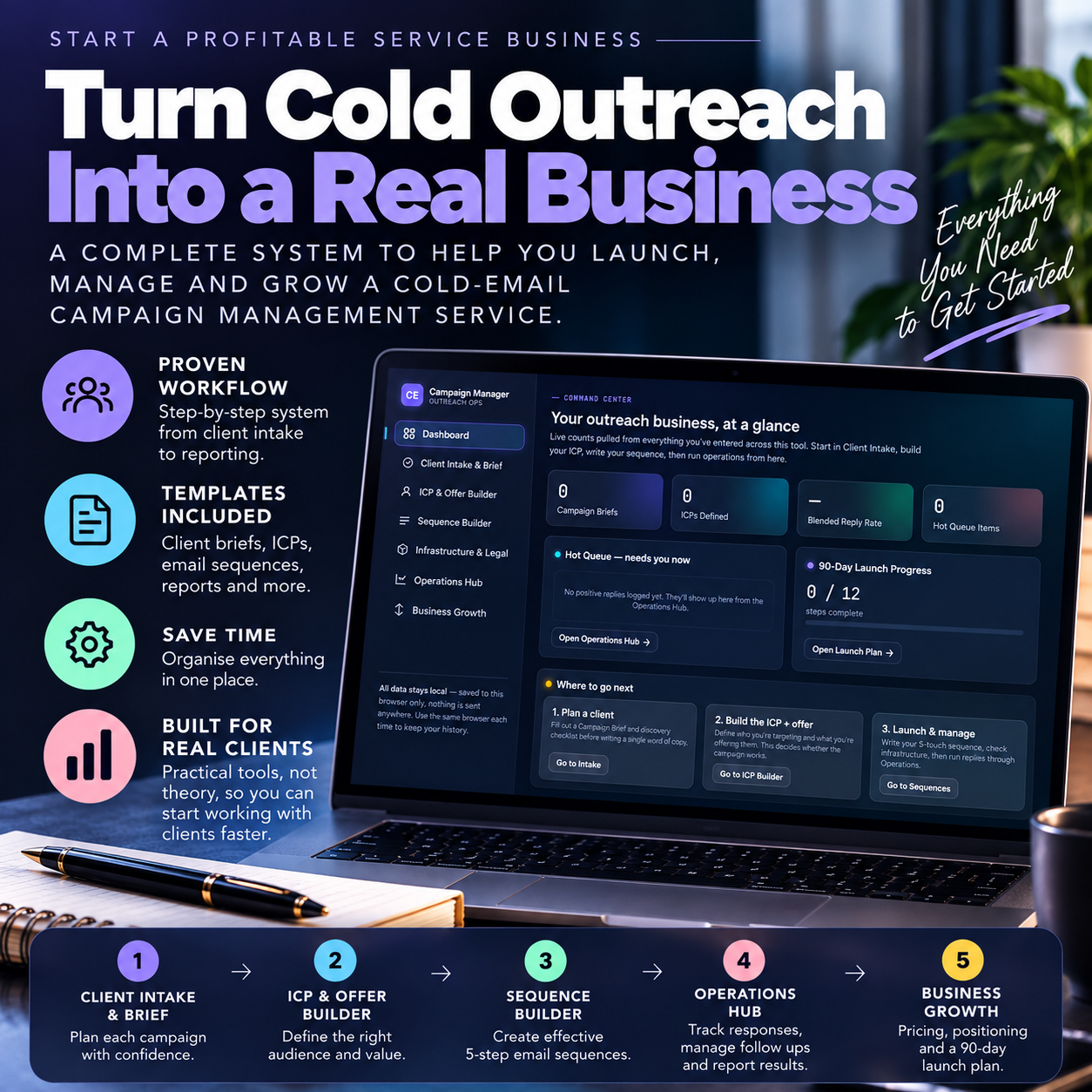
The Cold Email Campaign Manager is a practical business-in-a-box for building, launching and operating a cold-email campaign management service.
Instead of giving you a collection of disconnected templates, it provides a structured system for taking a client from initial campaign planning through targeting, offer development, sequence creation, infrastructure setup, campaign management, response handling, reporting and ongoing optimisation.
The app follows a clear operating workflow: plan the client → build the ICP and offer → create the sequence → prepare the infrastructure → manage the campaign → report and improve.
Client Intake & Campaign Planning
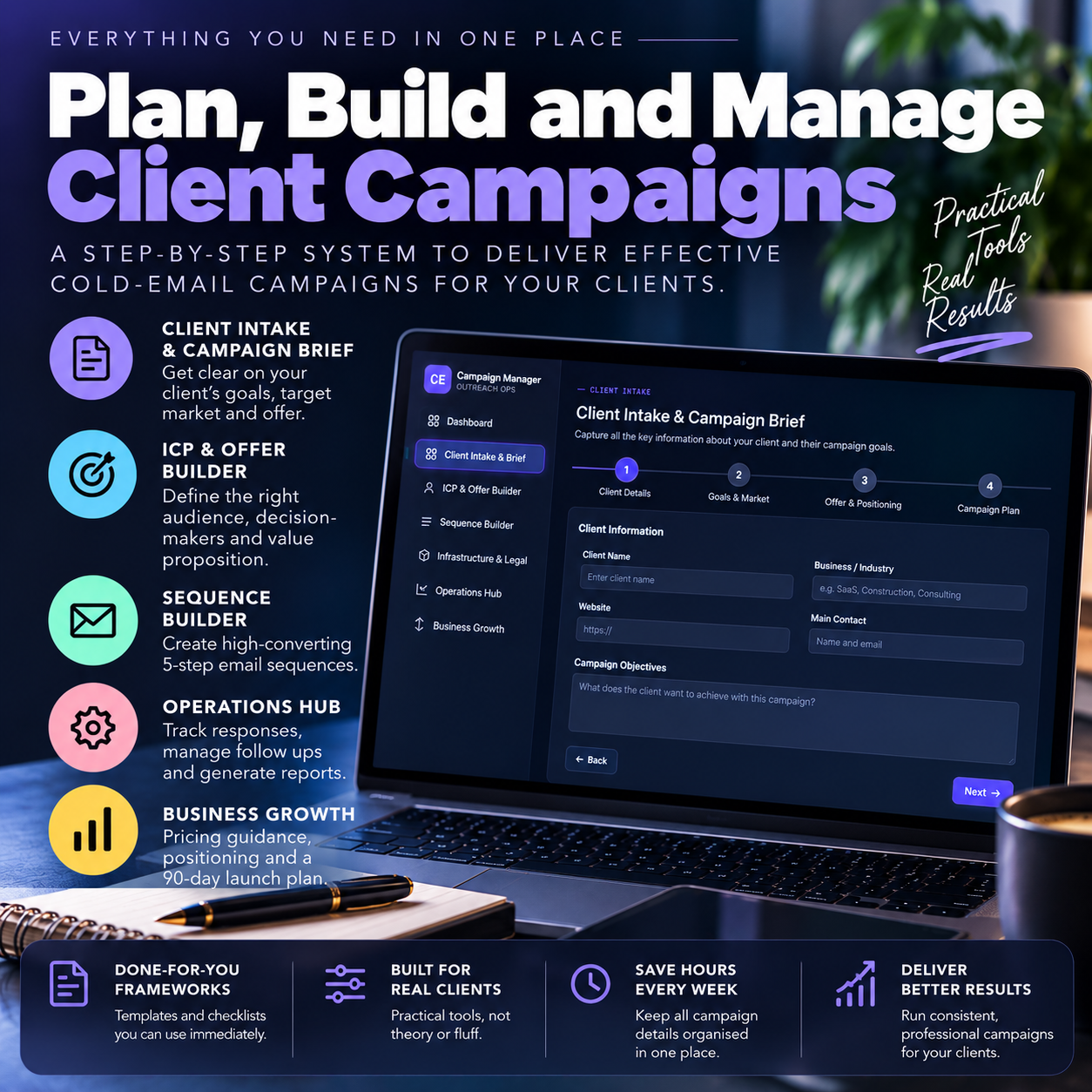
Start each campaign with a structured client brief covering:
- Business and offer context
- Campaign goals
- Previous outreach
- Competitive landscape
- Timelines and constraints
- Discovery questions
- Saved campaign briefs
This gives you a defined campaign foundation before you start writing outreach copy.
ICP & Offer Builder
Build detailed Ideal Customer Profiles rather than sending generic outreach.
Define:
- Industry, company size and geography
- Decision-makers and buying roles
- Trigger events
- Prospect pain points
- Primary, adjacency and wildcard ICPs
- Research sources
- Campaign offers
The built-in Offer Builder also provides different offer structures plus anatomy and validation checklists to help you develop a clear, low-friction proposition for each campaign.
Build Complete 5-Touch Email Sequences
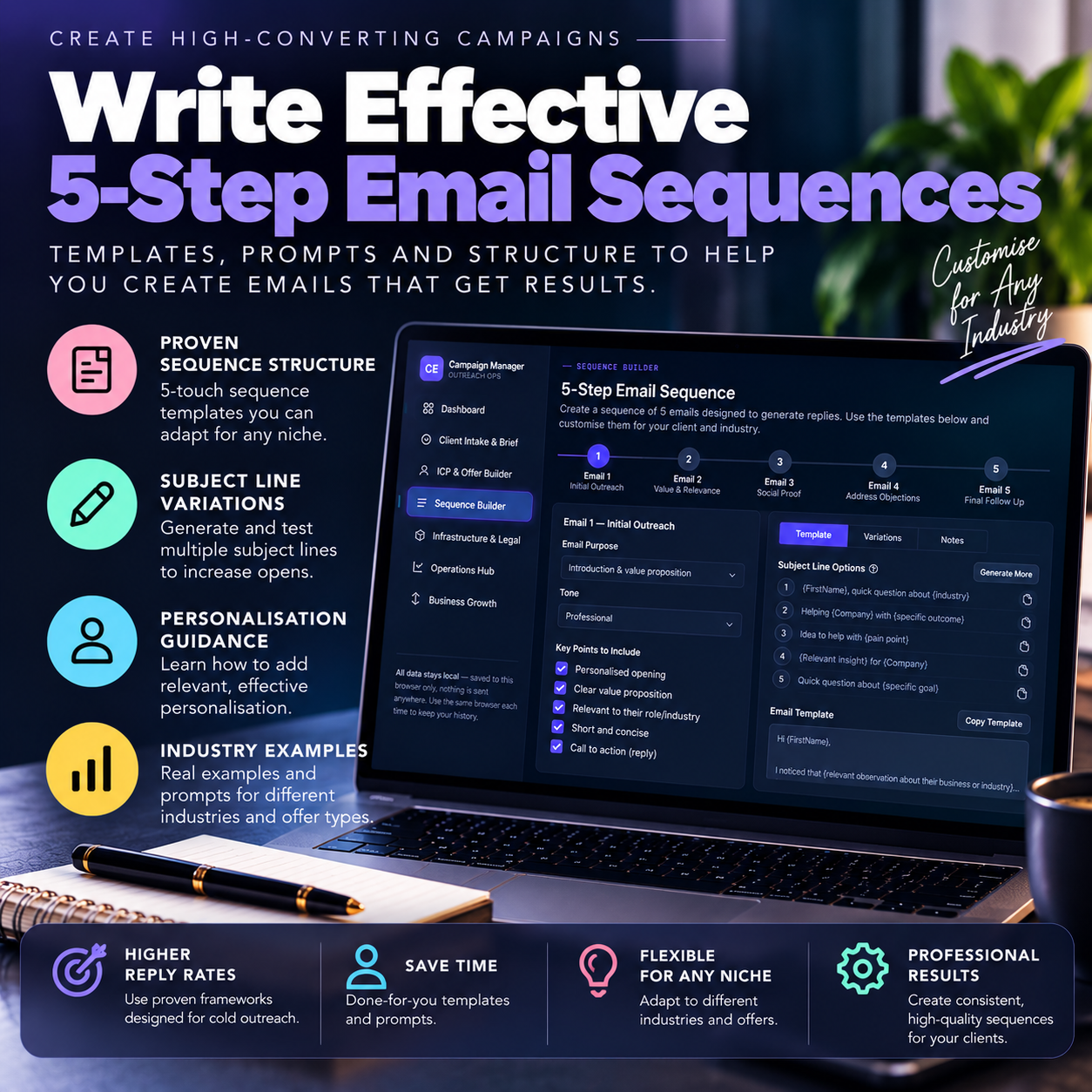
Create and save structured five-email campaigns, with each touch performing a different role:
The Hook → The Proof → The Angle Shift → The Value Add → The Breakup
You can also develop subject-line variations and use the included personalisation framework to decide where high, medium or lower-effort personalisation makes sense.
Infrastructure, Deliverability & Lead Lists
Cold email requires more than good copy.
The Infrastructure & Legal section helps you organise the operational foundations of a campaign, including:
- Sending domains
- Mailboxes
- SPF, DKIM and DMARC checklist
- Six-week mailbox warm-up tracking
- Lead-list preparation workflow
- List verification
- ICP segmentation
- Compliance quick references
The app also makes clear that its legal information is provided as general information rather than legal advice.
Run Client Campaigns from the Operations Hub
Once campaigns are active, the Operations Hub becomes your campaign-management workspace.
Log weekly campaign records including sends, opens, replies and positive responses. Categorise incoming responses, maintain follow-up queues and keep track of changes made to campaigns.
The app separates responses into categories including positive interest, referrals, not-now responses, irrelevant responses, unsubscribes and out-of-office replies. It also provides Hot, Warm and Sequence queues so follow-up doesn’t disappear into a spreadsheet.
Diagnose Campaign Performance
Enter campaign performance data and use the built-in diagnostics to identify likely areas requiring attention.
Track metrics including:
- Open rate
- Reply rate
- Positive reply rate
- Bounce rate
Reference benchmarks are built directly into the Operations Hub so you have context when reviewing campaign performance.
Generate Professional Client Reports
Turn campaign activity into structured weekly client reporting.
Enter the key campaign number, observations and next actions, then generate a report that can be copied and delivered to the client.
This helps turn campaign management into a repeatable professional service rather than an improvised process.
Build the Business Around the Service
The system doesn’t stop at campaign fulfilment.
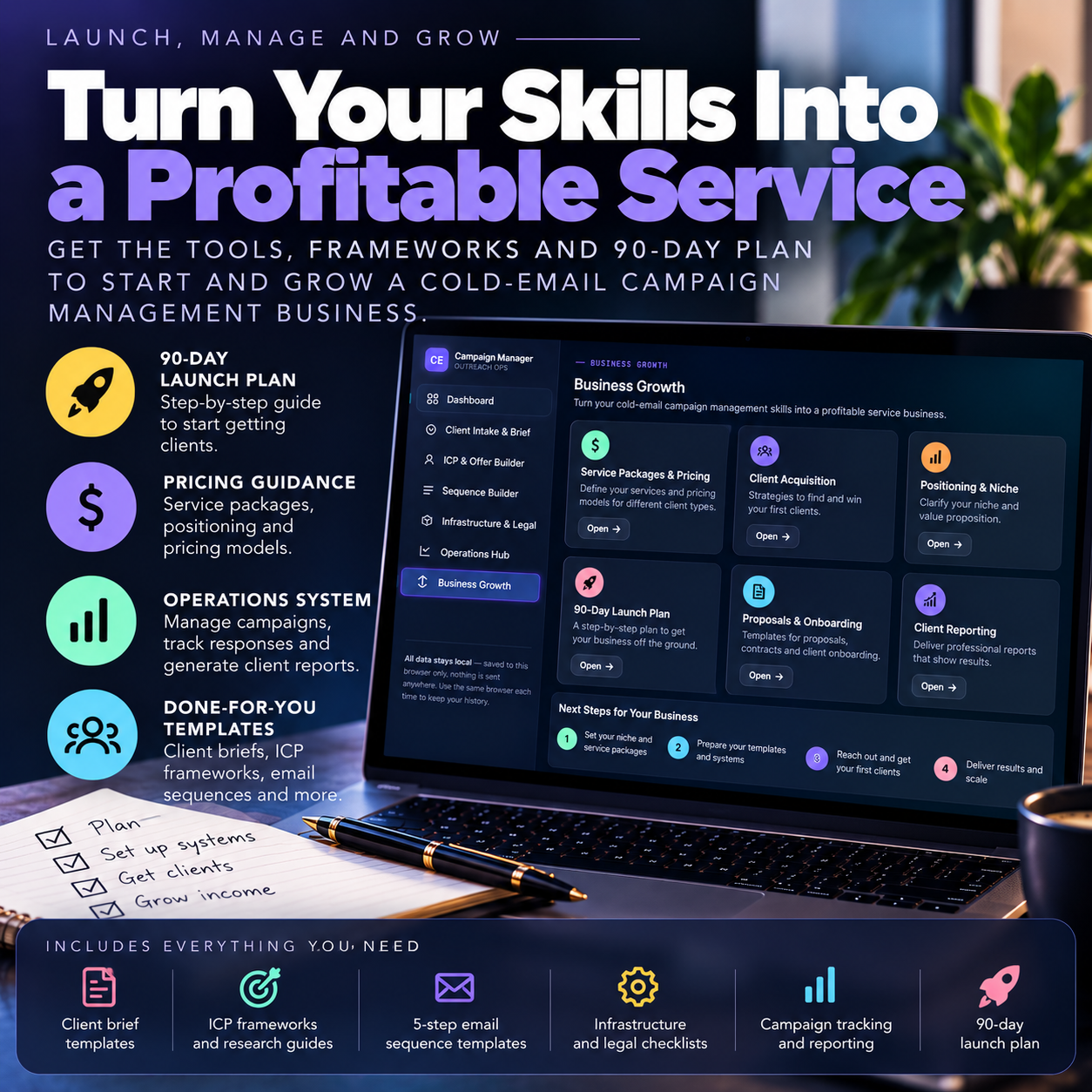
The Business Growth section includes service pricing references and a practical 90-Day Launch Plan covering the progression from infrastructure and offer development through your own outreach, first client work, record keeping, optimisation, response-management systems and documented operating procedures.
The 90-day roadmap is organised around three stages:
Days 1–30 — Foundation
Set up infrastructure, define your service offer, establish your own ICP and prepare the foundations of the business.
Days 31–60 — First Campaign
Begin your own outreach, work toward acquiring an initial client, establish campaign records and start collecting real campaign data.
Days 61–90 — Optimise & Scale
Use campaign data to improve your processes, systematise response management, continue client acquisition and begin documenting your operating procedures.
Everything in One Operating System
The Cold Email Campaign Manager brings together:
- Business dashboard
- Client intake and campaign briefs
- Discovery checklist
- ICP Builder
- ICP research framework
- Offer Builder
- Offer validation
- 5-touch Sequence Builder
- Subject-line testing framework
- Personalisation tiers
- Sending-domain management
- DNS checklist
- Mailbox warm-up tracker
- Lead-list workflow
- Compliance references
- Campaign records
- Response categorisation
- Follow-up queues
- Campaign diagnostics
- Performance benchmarks
- Weekly client report generator
- Pricing reference
- 90-day business launch plan
- Business and campaign resources
Your working data is stored locally in the browser rather than being sent to a ClixCreative server.
Important: What This Product Does
This is an operating and business-building system for a cold-email campaign management service.
It does not automatically find prospects or send cold emails itself. The app specifically references external prospecting, verification and sending platforms as part of the wider tool stack. Its job is to help you plan, build, organise, manage, analyse and report on the service you provide to clients.
Who Is It For?
Suitable for people who want to:
- Start a cold-email campaign management service
- Add cold outreach management to an existing service business
- Work with B2B clients
- Create a structured recurring client service
- Replace scattered documents and spreadsheets with a defined operating workflow
- Learn how the different parts of a professional cold-email campaign fit together
- Build repeatable systems for managing multiple client campaigns
From Business Setup to Client Delivery
You don’t need to piece together your operating process from dozens of separate documents.
The Cold Email Campaign Manager gives you one structured system for building the service, planning campaigns, delivering the work and managing the business behind it.
Build the service. Manage the campaigns. Grow the business.

Reviews
There are no reviews yet.