
Description
Build and Run Your Own LinkedIn Outreach Service
LinkedIn outreach is a specialised service that helps businesses identify relevant prospects, establish professional connections and start conversations with potential customers.
However, managing outreach for clients involves more than sending connection requests. You need to research prospects, organise campaigns, personalise messages, track conversations, manage follow-ups and report on your work.
LinkedIn Outreach Console is a purpose-built business system designed to help you organise and manage the entire outreach process.
Instead of developing your own processes from scratch, you can use a dedicated workspace built around the day-to-day activities of a LinkedIn outreach service.
What’s Included?
1. Client Management
Organise your client work in one place. Keep track of the businesses you’re working with and manage their outreach activities through a structured system.
2. Prospect Research & Management
Research and organise relevant LinkedIn prospects for your clients.
Maintain a structured prospect database and track where each person sits in the outreach process.
3. Outreach Campaign Management
Organise campaigns and monitor outreach activity. Keep prospecting, messaging and campaign progress connected within one system.
4. Personalised Messages & Templates
Create and save outreach messages, connection requests and follow-up messages.
Use reusable templates to make message preparation more efficient while maintaining personalised communication.
5. Outreach Sequences & Follow-Ups
Organise follow-up activity using structured outreach sequences.
Keep track of the next steps in each campaign rather than relying on memory or disconnected notes.
6. Outreach Pipeline
Track prospects through the outreach process, from initial research and connection requests to conversations and qualification.
See which prospects have been contacted, which are in conversation and which require further attention.
7. Reply & Conversation Tracking
Monitor responses and keep outreach activity organised as conversations develop.
Maintain visibility over replies and opportunities across your client campaigns.
8. Client Reporting
Use the reporting tools to track outreach activity and communicate progress to your clients.
Keep records of the work completed and the results of your outreach campaigns.
9. Business Dashboard
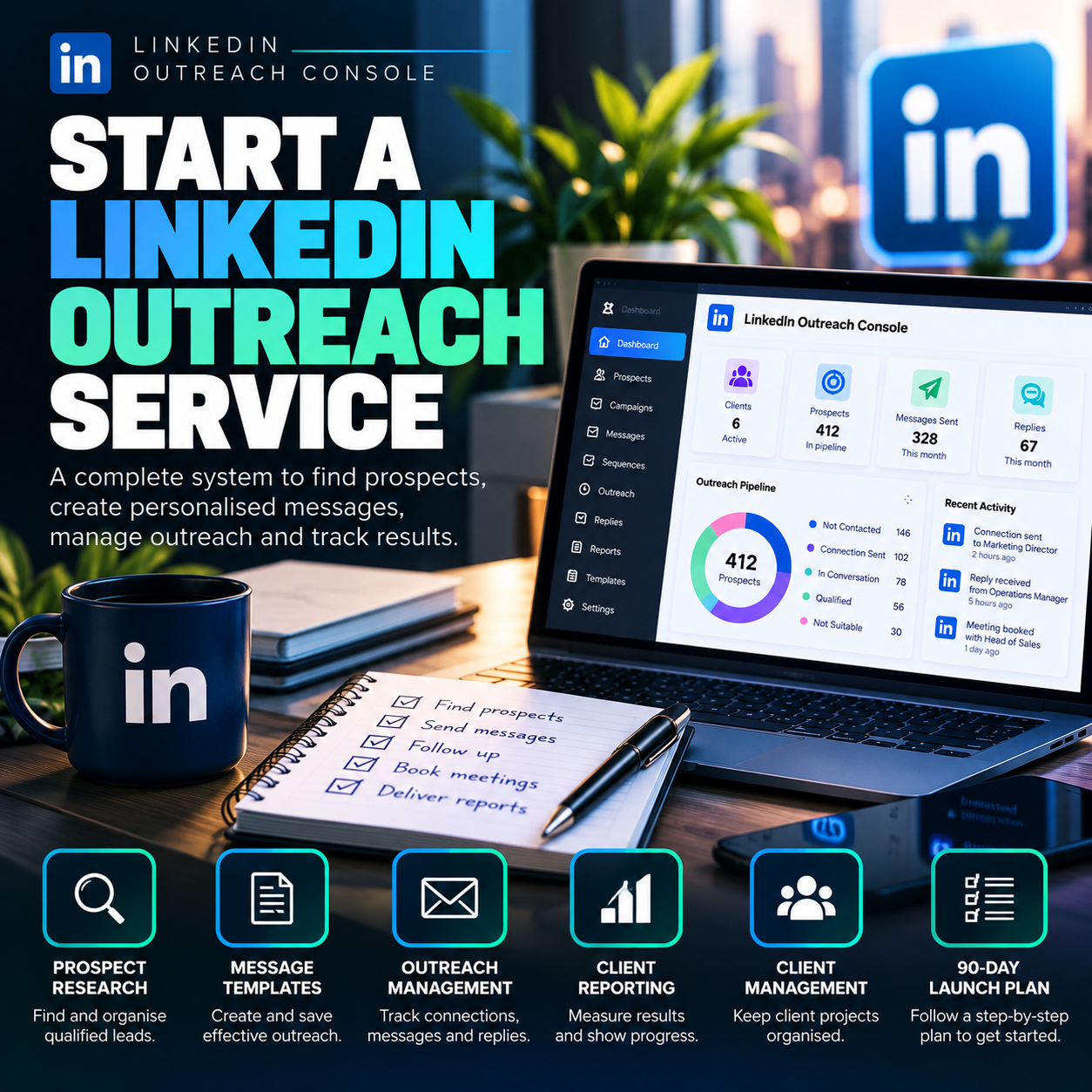
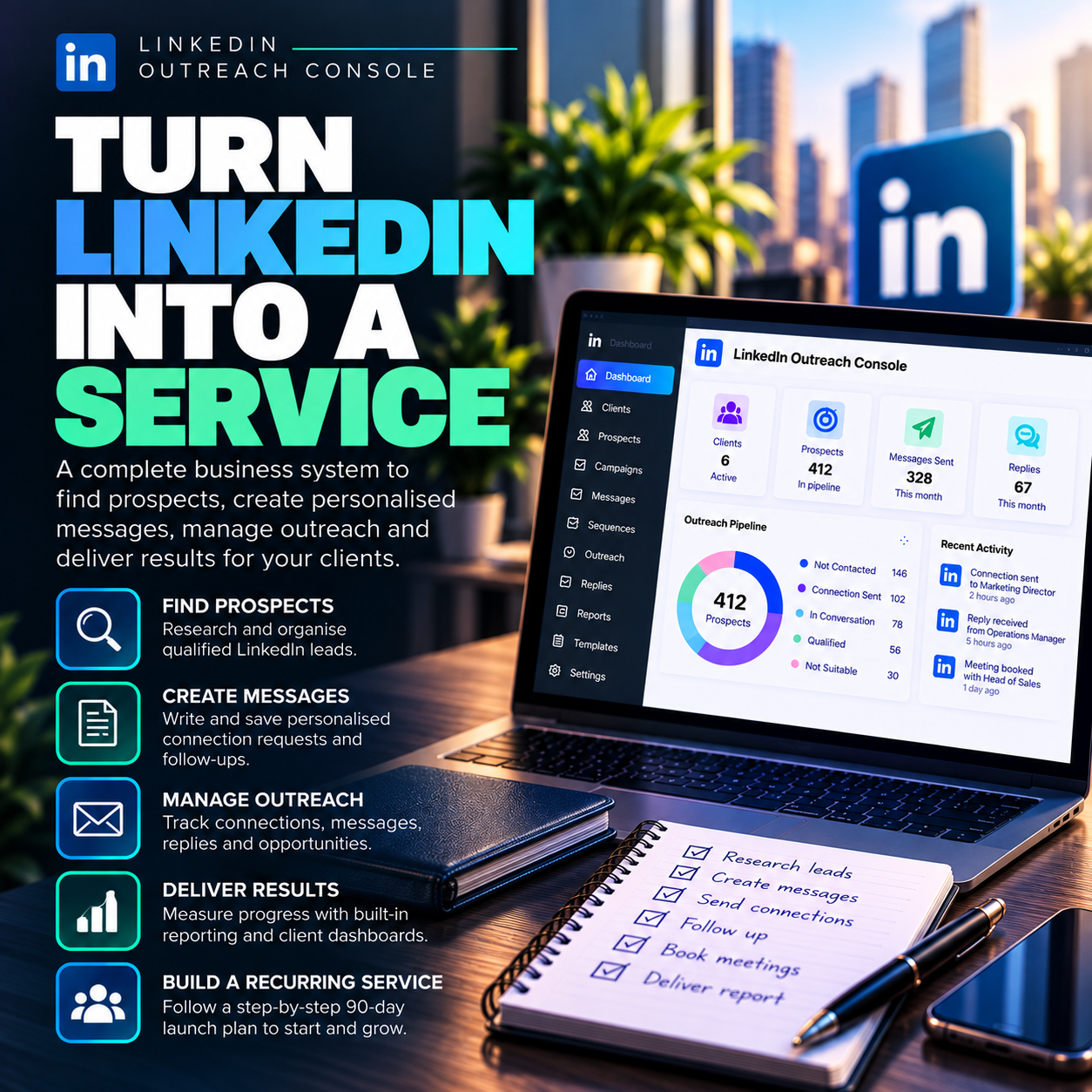
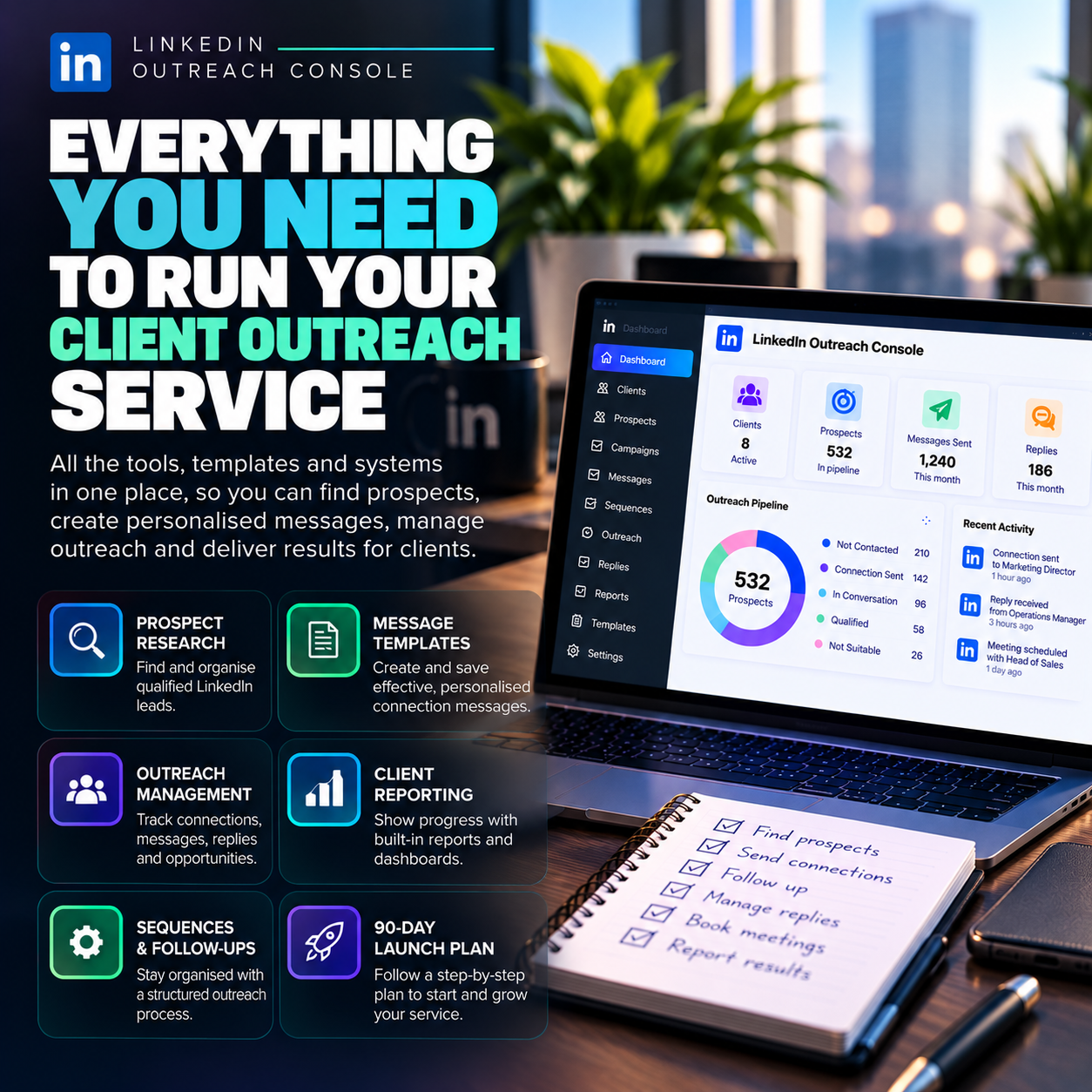
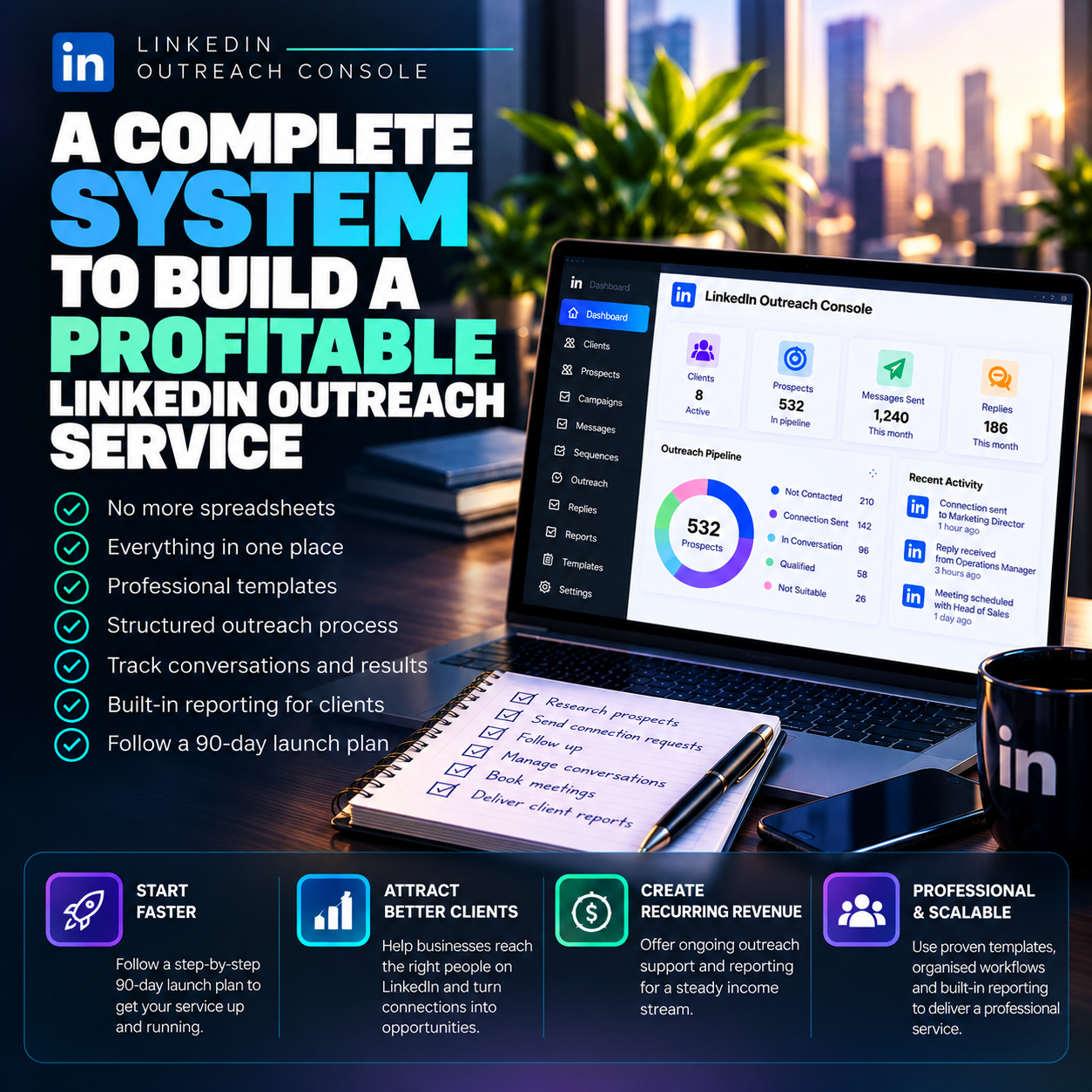
Access an overview of your outreach activity, including active clients, prospects, messages, replies, pipeline status and recent activity.
The dashboard helps you see what’s happening across your outreach work without having to review every campaign individually.
A Structured System for Your Outreach Business
LinkedIn Outreach Console brings the main activities of a LinkedIn outreach service together in one workflow:
Client Management → Prospect Research → Campaigns → Personalised Messages → Outreach → Follow-Ups → Replies → Reporting
The Console provides an organised system for carrying out the work, maintaining client records and monitoring campaign progress.
Who Is LinkedIn Outreach Console For?
This product is designed for people interested in starting or managing a LinkedIn outreach service, including:
-
Freelancers and virtual assistants
-
B2B service providers
-
Lead generation specialists
-
Marketing and outreach professionals
-
Agencies offering client outreach services
-
Entrepreneurs starting an online service business
-
Existing service providers adding LinkedIn outreach to their offerings
Start With a Purpose-Built Business System
You don’t need to build an entire outreach management system from scratch.
LinkedIn Outreach Console provides a dedicated workspace for organising prospects, preparing messages, managing campaigns, tracking follow-ups and reporting on client activity.
One business system. One organised workflow. Everything you need to manage your LinkedIn outreach service.


Reviews
There are no reviews yet.